- mcp
- ai-agents
- chatgpt
- seller-data
ChatGPT for Amazon Sellers: How to Check Its Answers on Your Data
'Works with ChatGPT' says the connection exists, not whether your setup asks before a change. Here is what the client decides, four ways an agent can go wrong over seller data, and how to check an answer.
Roman Gagloev8 min read
ChatGPT for Amazon sellers starts as a writing and brainstorming tool; it can answer questions about your own stock, purchase orders and shipments only once it can read that data, for example through Propamp's MCP server. "Works with ChatGPT" tells you that connection exists. It doesn't tell you whether your ChatGPT setup asks before the agent changes a record, or what the agent assumed to answer a vague question, so check both before you act on an answer.
What ChatGPT for Amazon sellers does without your data
Without a connection to your records, ChatGPT sees only the account data you give it in the chat. It is still useful for copy work: sellers have used it to write listings, come up with titles and brainstorm new products, CNBC reported in March 2023.
Questions about your own operations are different. "Which open shipments carry this purchase order?" needs the shipment records themselves. A spreadsheet you paste in holds only the columns you copied, as of the moment you copied them. If stock moves after the export, the chat has no way to know.
What "Works with ChatGPT" means for your seller data
It means ChatGPT is one of the clients that can connect to Propamp's MCP server and read your synced data through its tools. The Model Context Protocol (MCP) is an open-source standard for connecting AI applications to outside systems. The server lists its tools, and the language model decides which ones to call based on your prompt, as the MCP specification for tools describes.
The same server also works with Claude (Pro plan or higher), Codex and any spec-compliant MCP client, such as Cursor. Here is what Propamp's side of the connection gives the agent:
- A sign-in, not a key: you connect with an OAuth sign-in on a Propamp page. There is no API key, and the client gets an access token, never your password.
- Your synced data: the agent reads what Propamp has already synced from Seller Central, plus the purchase orders and shipments you keep in Propamp. It doesn't call Amazon on its own, and until the first sync finishes, answers come back empty.
- 128 tools: 87 read data, 28 create or update records, and 13 remove or archive them.
- Access: MCP access is included in the trial. On paid plans, an outside AI client such as ChatGPT needs the MCP access add-on.
What Propamp needs before any client connects is on the MCP prerequisites page; the setup screens on the ChatGPT side are outside this article. If you'd rather not use an outside client, Propamp's in-app AI assistant answers plain-language questions inside Propamp. For restock and purchase order questions asked from Claude, see our guide to planning restocks, POs and supplier payments with Claude.
What the ChatGPT client decides, not Propamp
The client decides when you're asked to approve a tool call and how much of each call you see. The MCP specification doesn't mandate a user interaction model. It says applications should keep a human in the loop who can deny tool calls, show when a tool is invoked and present confirmation prompts. Those are recommendations to the client, so "Works with ChatGPT" says nothing about how your own ChatGPT setup handles them. Check three things.
Whether you're asked before a change
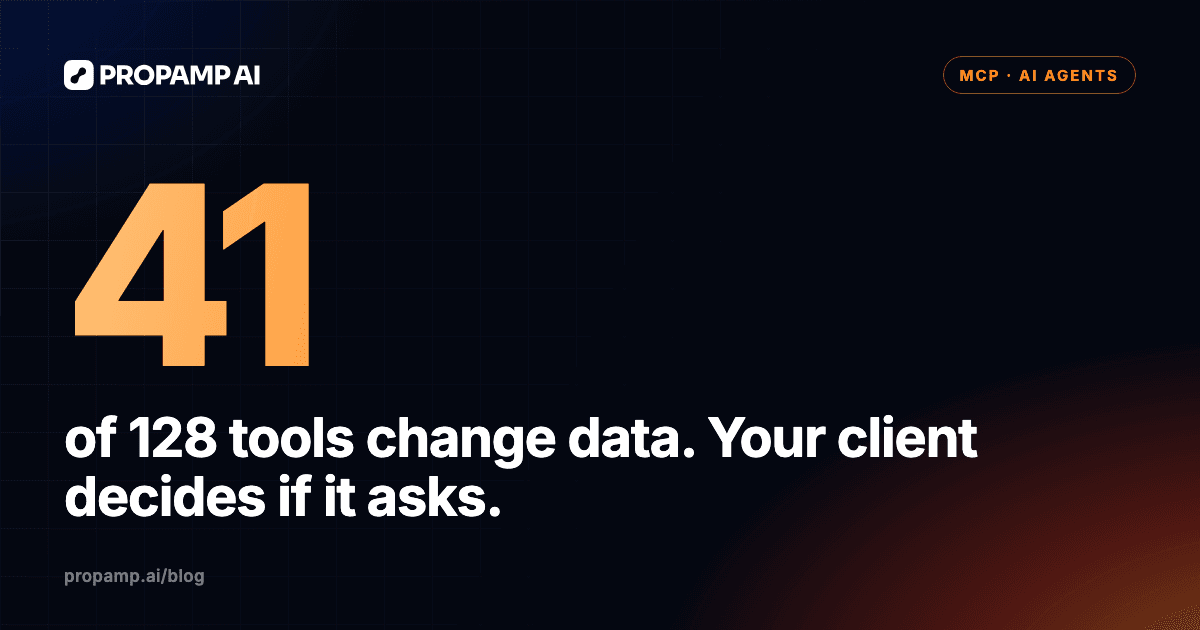
In clients that honor Propamp's tool hints, changes and removals ask you to approve first, while reads run freely. Every Propamp tool carries a hint saying whether it only reads data, changes it or removes it, as Propamp's data and permissions page explains. Of the 128 tools, 87 read. The other 41 change data: 28 create or update records, such as a purchase order, a shipment draft, an expense or a supplier, and 13 remove or archive them.
The MCP specification calls these labels hints and leaves it to each client to decide what to do with them. Until you have confirmed how your ChatGPT setup treats them, keep your requests read-only: ask the agent to show, list or compare, not to fix, update or clean up. When an approval prompt does appear, read what it will change before you accept it, the way you would review a teammate's edit.
Whether you see what the agent asked for
Each tool call carries inputs, such as a time window or a status filter, and the MCP specification recommends that clients show those inputs before calling the server. If your ChatGPT setup shows them, that's where you see the choices the agent made for you. If it doesn't, ask the agent to list the tools it called and the filters it used.
What enters the conversation
An MCP client passes what a tool returns to the model, so the stock levels or shipment dates the agent reads become part of your ChatGPT conversation, next to everything you typed. Ask for the records your question needs, not whole tables.
Where an AI agent goes wrong over seller data
An agent goes wrong where something is left open or broken: an unstated time window, a vague word like "latest", a filter that drops records, or records that contradict each other. We met all four when we ran four questions through the Propamp MCP connector on our own brand's account, read-only, on October 26, 2026. These runs were not made in ChatGPT, so they show what the data behind the connector returned and where the agent had to make a call, not how ChatGPT itself behaves. In the first run we acted as the agent ourselves, calling the tools in order. Each lesson comes from one run on one account.
An unstated window changes the answer
When we ran "Which products will stock out in the next three weeks?" for the US marketplace on our own brand's account (as of October 26, 2026), the agent calculated days of cover itself and had to choose a velocity window. One of seven stocked products was under three weeks on the 30-day window, and two were on the headline velocity. Same data, same question, a different shortlist.
The check: name the window in your question, and ask for the stock and velocity behind any days-of-cover figure. Limits: one account, the US marketplace only, seven stocked products, and we did not look up what the headline velocity window means.
A vague word gets a guess
Asked to find the shipping documents for "the latest shipment", the agent had to decide what "latest" meant and chose the open shipment that arrived most recently. In our run it found bill of lading (BOL) files by document type and matched them by shipment reference. It got file details and a storage path, not the document itself. Another candidate, the in-transit shipment due that day, had no BOL file.
The check: say which date you mean (created, sent or received), and do the same for words like "open" and "recent". Limits: we checked one document type in full and did not open any file.
A filter can drop records
For "Which open POs are split across shipments, and where are their units now?", we filtered the shipment list to four open statuses. That filter was not a complete list: the stock view showed a planned shipment outside it.
The check: ask which filter the agent used and what it left out, and have it check the purchase order against its shipments. For a visual cross-check, Propamp shows where each PO's units are now on a Sankey chart, as part of its Amazon purchase order tracking. Limits: one account, and one order opened in full.
Records that don't add up skew the result
Asked how actual lead time compared with plan on recent shipments, the agent flagged two inconsistent records: a customs clearance date before the planned start, and a working shipment with a planned arrival in 2022. Our shipments had no actual dates for individual steps, so the agent could only measure how far each whole trip drifted.
The check: ask the agent to flag records that don't add up before it averages anything, and ask questions at the level of detail you record. Limits: four arrived shipments, and we did not check the Propamp screens.
Five checks for your first ChatGPT session
Run these five checks in your first session, before an answer from the agent reaches a decision:
- Confirm the first sync finished. Until it does, answers come back empty, so an empty answer is not proof that you have no data.
- Ask something you can see on a screen. Pick one product's stock by location or its days of stock, compare the agent's answer with Propamp's Amazon inventory management views, and only then move on to questions you can't check by eye.
- Ask for the inputs, not just the result. Say the agent reports 20 days of cover for a product. Days until stockout is stock divided by velocity, the formula Propamp's Restock Suggestion uses, so ask for both: 840 units at 42 a day gives 20 days, while the same 840 units at 28 a day give 30. These are illustrative round numbers, not data from any account.
- Read the choices. Look at the windows, filters and definitions the agent used, in the tool inputs if your setup shows them or by asking for a list, and name them yourself in the next question.
- Stay read-only until approvals are clear, and keep the decisions. The agent gives you numbers; whether to air-freight a top seller or let a slow product run out is still your call.
Try it on your own seller data
Start a two-week free trial (no credit card), connect Seller Central, let the first sync finish, and then run the five checks above from your AI client before you rely on an answer. Propamp's MCP server for Amazon sellers shows what the agent can reach and which clients it works with.
How we made this: drafted with AI assistance and checked against Propamp's public documentation, the sources linked above and our own brand's account (observations as of October 26, 2026).